Add Users
Completion requirements
Assigning a user group grants project access to all users within it to perform certain tasks. Each user’s level of access is controlled by their user permissions.
Add a User Group
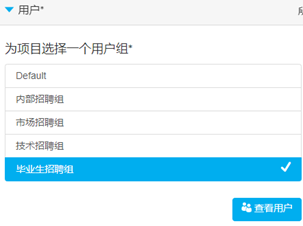
Select a User Group. Click See users to view administrators within the group.
Add Additional Users
You can add additional admin users who are not part of the selected group.
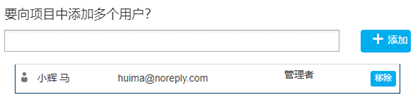
Type the name of the additional admin user under Want to add more users to the project? Click Add.