Candidate Message
Completion requirements
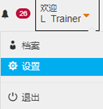
- Click the Welcome button then choose Settings.
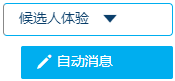
- Select Candidate Experience from the list in the left navigation bar of the Settings page.
- Select Messaging.
- The information to be shown to the candidates can be set in three different pages.
- You can click the Create New Message button to add a new message that can be shown to the candidate.
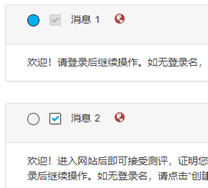
- Click the round button to set this message as the default message. Click on the box to set this message as optional.