Bulk Download
Completion requirements
You can request a bulk download of the reports of individuals of your choice or all candidates.
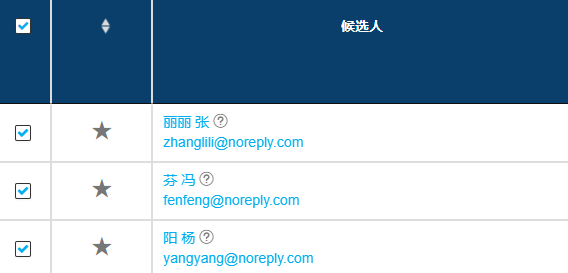
- Select the candidate(s). For specific candidates, check the box to the left of their names. For all candidates listed in the project, check the box at the top in the candidate header.
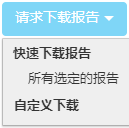
- This will enable the Request Report Download, and you can select the necessary download.
- You will receive an email directing you the .zip file once completed.
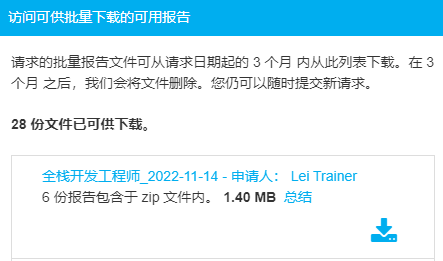
- Login and navigate to the reports page of the project. Results are now available to download from the Access Available Bulk Reports.
TIPS: You can use filters to view results that meet a specified criteria.