Access Results
Completion requirements
You can access a project’s results either from the Menu Bar or directly from any Favourite Projects that have been saved to your homepage.
Access Results of All Project
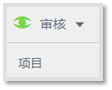
- Select Review from the Menu Bar, and select Projects.
- Locate your project using the available filters or by searching through the list.
- Select your project by clicking on the project name.
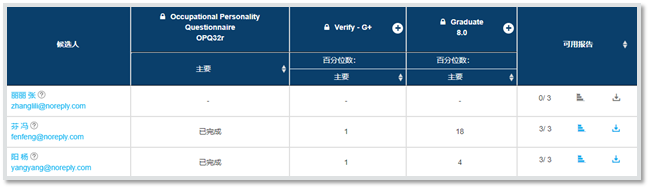
- The candidates’ details and scores will be displayed. Depending on the type of assessment, percentile scores may appear on screen. In addition, a report will be made available for all completed assessments.
- To switch between the candidates’ status and results select the buttons located on the right-hand side.

Access Results of Favourite Project
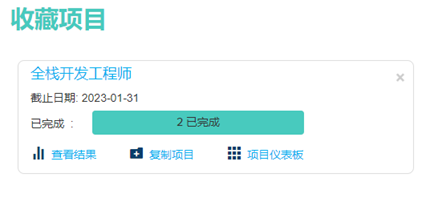
- Locate the project in the Favourite Projects section on Homepage.
- Click View Results. It will direct the user to the project’s results.