Access Projects
Completion requirements
There are two ways to access a project on TalentCentral™:
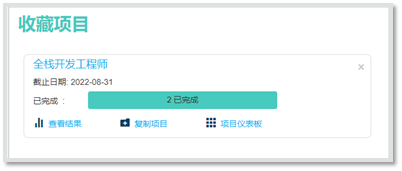
- A project that has been marked as Favourite can be easily located and managed from the Homepage.
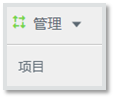
- All projects that are associated with your user group(s) can be located via the Manage option on the Menu Bar.
Access Favourite Projects
By selecting the title of the project, the user will be directed to it and be able to edit/add information.
- View Results will direct the user to the project’s results.
- Clone Project will create a new project and copy the existing project’s Products and User Group.
- Project Dashboards provides a view with project specific metrics such as Candidate Status and Candidates Assessed over time.
Access All Project
- Select Manage from the Menu Bar and select Project.
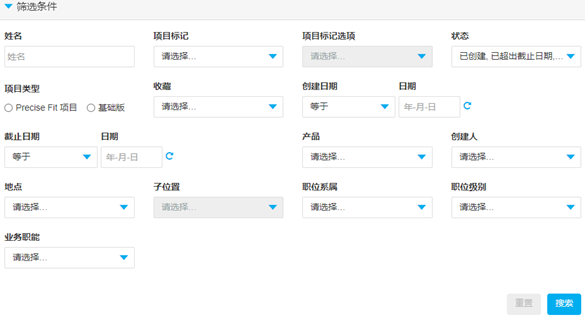
- Use Available Filters or search from the list to locate the project and select it by clicking the project name. Then the user will be directed to it and be able to edit/add information.