Emails and Notifications
Completion requirements
All email invitations and reminders are managed under this section. You can:
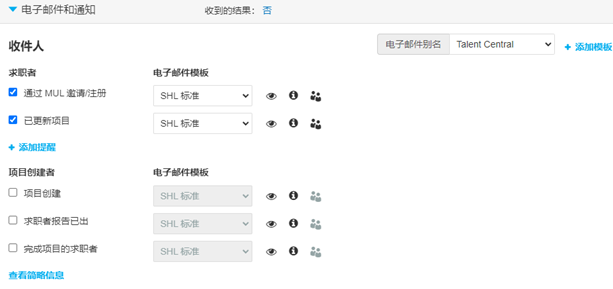
- Enable receiving notifications to be notified of candidate completions.
- Review and update your Email alias.
- Create New Email Templates for the invitation and reminder emails by adding an additional body of text.
- Send reminders to all registered users at specified intervals if they have not completed their assessments. You can add multiple reminders.
NOTE: SHL Standard email templates have a static body of information which cannot be adjusted. You can choose to customise the template to include additional information specific to your organisation or project.

- Click the eye icon to preview the content of the invitation.
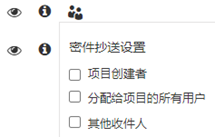
- Click the people icon to enable the BCC functionality. Users assigned to the project may want to receive blind copies of the emails sent to candidates. An alternative email address can also be used for this purpose.