Create a New Project
Completion requirements
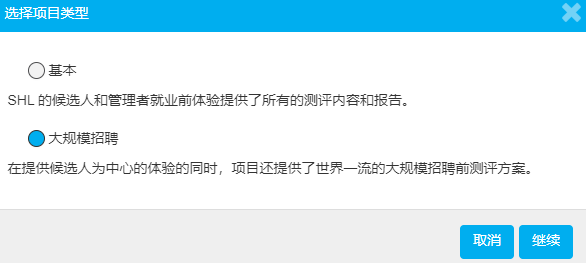
TalentCentral has two types of projects, a basic project and a Volume Recruitment project that you will only see if you have purchased SHL Experience.
Create a Basic Project
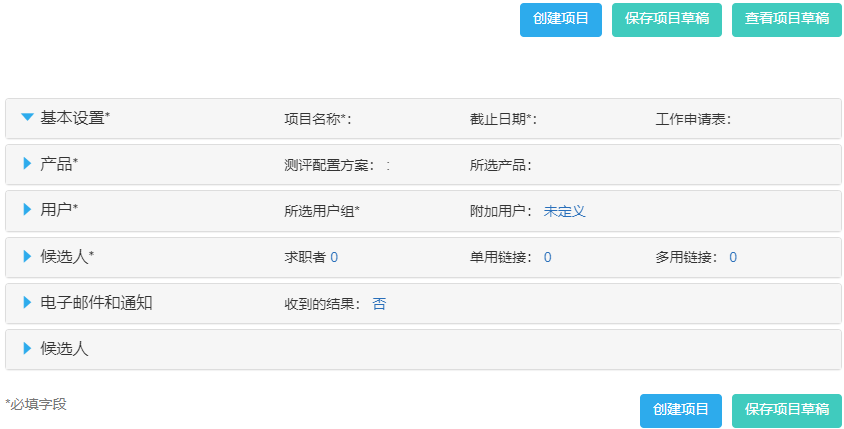
Select the Create New option from the navigation bar. Select Project. Mandatory sections are marked with an asterisk(*).

Create a Volume Recruitment Project
If you have a custom SHL Experiences process, you will need to create a mass recruitment project to use your custom template.
- Click the Create New option from the navigation bar. Select Project and a pop-up window will appear, prompting you to Select Project Type.
- Select Volume Recruitment, and click Continue. Mandatory sections are marked with an asterisk(*).